Quick Answer
Gold Mining Simulator return rented equipment steps: move the machine onto the sell pad at the machine store and confirm at the register. A rented machine shows $0 there. Confirming returns it and stops the daily rent.
How does Gold Mining Simulator return rented equipment work?
Bring the machine back to the store's return area and sell it for $0. That is the whole Gold Mining Simulator return rented equipment process.
- Drive or transport the rented machine to the machine store.
- Park it on the sell pad, also called the return area.
- Walk to the register beside the pad.
- Check that the price shows $0, which marks a rental.
- Confirm to return it.
The daily rent stops once the machine leaves your account. One player rented the Mini Excavator for a single day at $242 and returned it the same day this way.
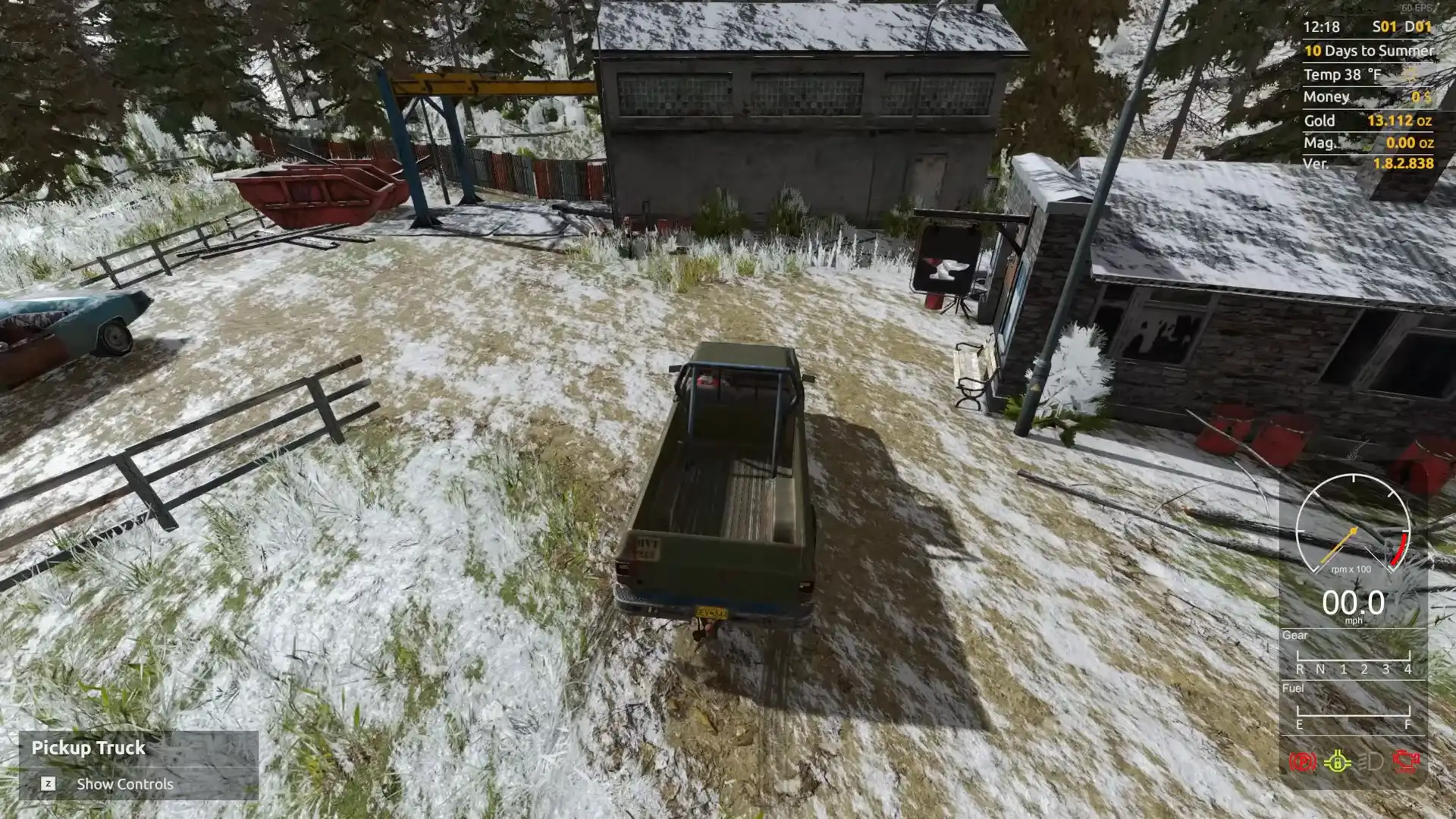
Park it in the return area.
Shown at 11:40 in QuadThumb Gaming’s video.Gold Mining Simulator return rented equipment: rented or owned?
Check the price on the sell pad. Rented equipment shows $0, and owned equipment shows a sale price.
| Sell pad shows | What it means | What confirming does |
|---|---|---|
| $0 | The machine is rented | Returns it and stops the rent |
| A price, like $35,000 | The machine is yours | Sells it for that price |
The game does not label which of two identical machines is the rental. One player bought a drill while still renting one, then put the owned drill on the pad by mistake. If the pad shows a price on a machine you meant to return, swap it for the other one.
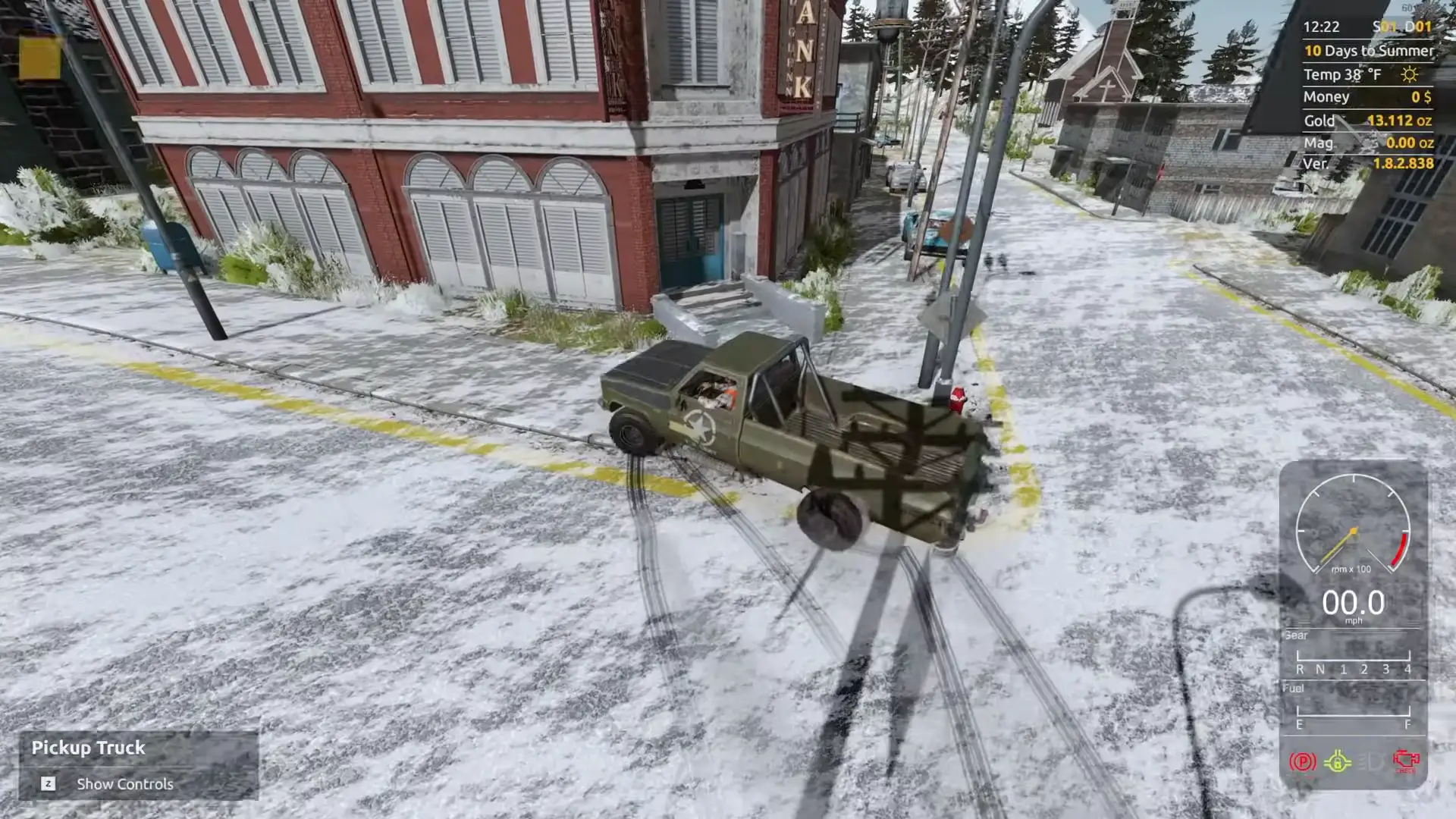
Confirm at the register.
Shown at 12:00 in QuadThumb Gaming’s video.Can you buy instead of using Gold Mining Simulator return rented equipment?
Yes. Put the rented machine on the sell pad, and the register screen lets you buy it outright.
The screen offers two choices for rented equipment: sell it for $0 to return it, or buy it. You need the full purchase price in cash. One player first thought renting blocked buying, then found they were only $1 short.
Older forum answers say you must return the rental and buy a new one. The sell pad screen now offers the buy option directly.
What happens if you cannot pay rent before you return rented equipment?
The machine store takes the rented equipment back from your claim.
Rent comes out every day. Keep enough cash for each one, or use Gold Mining Simulator return rented equipment on the ones you are not using.
Gold Mining Simulator return rented equipment tips to spend less
Rent only for the days you need, and slow the clock while you work.
- Set Time scale to x1 under Settings and Game. New saves start at x12, so days fly by.
- Rent machines for short jobs and return them the same day.
- Rent early in the season. The daily rent is locked in the day you rent.
- Watch the season. Machine prices are highest in summer and lowest just before permafrost.
Which Gold Mining Simulator return rented equipment jobs are quickest?
Machines you only need for one job.
- The Big Excavator lifts Tier 3 parts, then goes back. Its rent is just over $3,000 a day.
- The Drilling Machine maps the claim, then goes back. One rental cost $3,000 plus $1,500 transport.
- The Mini Excavator farms hog pan nuggets in the original game, then goes back.
See all machines and prices on the Gold Mining Simulator equipment list. The rental plan for day one is in the Gold Mining Simulator best start. Rentals for a full plant are listed in the Gold Mining Simulator tier 3 setup.
FAQ
Put it on the sell pad at the machine store and confirm at the register. A rental shows $0.
Yes. On the sell pad screen, choose to buy it instead of returning it.
The machine on the pad is not the rental. You own it. Swap it for the other machine, which shows $0.
Yes. Rent comes out daily, and the store takes the machine back if you cannot pay.